Unprivileged LXC Permissions: Why Your Container Cannot Read Your Files
The file was there. I could see it on the host. The container had it mounted. And the service inside insisted it did not exist.
What finally showed me the problem was one listing:
-rw-r--r-- 1 100000 100000  1.4G movie.mkv
drwxr-xr-x 5 100999 100990  4.0K movies/
Two different owners, neither of which is a user I ever created. Unprivileged LXC permissions run through a user namespace mapping, and it is the single most common reason a Proxmox container cannot read files that are obviously sitting right there.
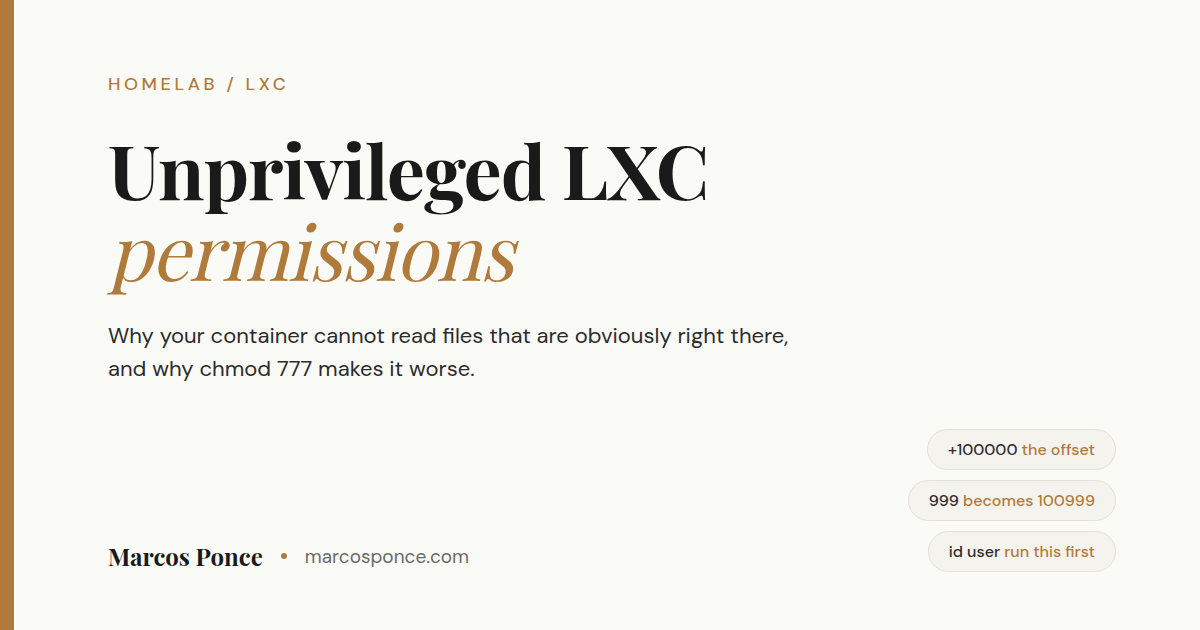
Short version for the skimmers: unprivileged containers add 100000 to every user and group ID. A service running as UID 999 inside your container is UID 100999 to the host filesystem. So you set ownership on the host to the shifted number, not the number the service reports. chmod 777 does not fix this and makes things worse.
KEY FACTS
The default offset in an unprivileged Proxmox container is 100000.
UID 999 inside equals UID 100999 on the host. Root inside (UID 0) equals UID 100000 on the host.
That offset is a security feature, not a bug. It is why a compromise inside the container does not give anyone root on your host.
Find the real numbers with `id
Fix ownership on the host side with the shifted numbers. Do not reach for `chmod 777`.
What is actually happening
A privileged container shares the host’s user IDs directly. Root inside is root outside. That is convenient and it is exactly the problem: anything that escapes the container arrives on your host as root.
An unprivileged container remaps the whole range. The container gets a block of host UIDs starting at 100000 and pretends internally that the block starts at 0. Inside, processes see normal user IDs. Outside, the kernel sees high-numbered users with no special powers anywhere.
So there are two truths about the same file, and they disagree:
| Identity | Inside the container | On the host |
|---|---|---|
| root | 0 | 100000 |
| A service user | 999 | 100999 |
| A service group | 990 | 100990 |
| Your own login | 1000 | 101000 |
Neither view is wrong. The kernel is translating, and every permission problem in this category comes from doing arithmetic in the wrong one.
The fix, in three commands
Find the service’s real IDs. Inside the container:
id plex
uid=999(plex) gid=990(plex) groups=990(plex),44(video),993(render)
Do this even if you are confident. A walkthrough I was following assumed the service user was 998. My install produced 999. One digit, one wasted afternoon. If pct is not found when you try to run it here, you are already inside the container; that command only exists on the host.
Add 100000 to both numbers. 999 becomes 100999. 990 becomes 100990.
Set ownership on the host, on the real directory, not inside the container:
chown -R 100999:100990 /path/to/your/data
Verify by reading it back rather than by the command not complaining:
ls -la /path/to/your/data | head
You want the shifted numbers. If ls prints names instead of numbers, the host happens to have real users at those IDs, which is harmless and slightly confusing.
Why chmod 777 does not save you
It is the reflex, so it deserves a direct answer.
Sometimes it appears to work, which is worse than it failing. Now you have a world-writable directory, you have not learned what was wrong, and the next file that arrives has the same problem because ownership was never the thing you fixed.
More often it does not work at all, because the directories above your target still are not traversable by the mapped user. You need execute permission on every directory in the path, not just read on the file. Ownership is the correct lever. Reach for it.
The trap that comes after you fix it
You set ownership, the service reads everything, you move on. Then you copy new files in over a network share and they vanish again.
Files written through a share are usually owned by whatever user the share service runs as. Very often that lands as the container’s root, which is 100000:100000 on the host, and your service cannot read those any more than it could read the originals.
There are two honest answers.
The tidy one: make the file server write as the same identity. Create a user and group inside the file server container that match the numbers your media service uses, then point the share at them:
groupadd -g 990 mediauser
useradd -u 999 -g 990 -s /usr/sbin/nologin -M mediauser
Then set force user and force group in the share config to that user and restart the service. Now everything written through the share arrives already correct.
Watch for one thing here. A share configured with force user = nobody will fail in a way that looks unrelated: the top folder appears but its subfolders do not. That is nobody lacking traverse permission on directories owned by your service user. It looks like a share problem and it is a permissions problem.
Also, when the share seems unchanged after you have clearly fixed it, clear the cached connection on the client. On Windows that is net use * /delete. I lost time to this twice before it stuck.
The unglamorous one: fix it on a schedule. On the host:
*/5 * * * * chown -R 100999:100990 /path/to/your/data/ > /dev/null 2>&1
I run both, because the scheduled job catches anything the tidy fix misses. It is not elegant. It has run without incident for months. The redirect stops cron mailing you every five minutes for the rest of time.
Device permissions work the same way
Passing hardware into an unprivileged container hits the same wall from a different direction. Say you want a media server to use your integrated GPU. Look at what exists first:
ls -la /dev/dri/
getent group video render
Then bind the devices in, telling Proxmox which group should own them inside the container:
dev0: /dev/dri/renderD128,gid=993
dev1: /dev/dri/card1,gid=44
Those group numbers are yours to look up, not mine to give you. And check what device nodes you actually have, because plenty of systems enumerate the integrated GPU as card1 with no card0 at all, and guides that hardcode card0 will send you debugging a device that does not exist.
Verify with id inside the container again. If the service is not in those groups, the gid= values do not match the render and video groups as the container sees them. Those in-container numbers are the ones a dev[n] line wants, not the host’s, and not the host’s plus the 100000 offset.
The full media server version of this is in Plex hardware transcoding on Proxmox.
The device side on its own, including why the card node can be card1 and what that gid= value is really naming, is in Proxmox iGPU passthrough to an unprivileged LXC.
Two more places the offset bites
Bind mounts and nested filesystems. If you mount a storage pool into a container and the folders inside it are separate filesystems rather than plain directories, they will appear empty rather than missing. Mount each dataset you actually need, individually. That is better practice anyway, because it forces you to decide what each container gets to see.
Features gated on the host. Some capabilities cannot be enabled from inside no matter what you do, because they are switched on in the container’s config on the host and need a restart. If something inside an unprivileged container refuses to work and the error mentions permissions or a missing device, check the host-side config before you go looking for a kernel module inside.
When to just use a privileged container
Rarely, and less often than people think.
The honest cases are hardware or kernel interfaces that genuinely cannot be mapped, and legacy software that hard-codes assumptions about UID 0. For file access, hardware video, and essentially everything a home server does, unprivileged plus correct ownership works and keeps the safety property that makes containers worth using.
If you find yourself going privileged to solve a permissions problem, you are turning off a security feature to avoid arithmetic. Do the arithmetic.
FAQ
What is the 100000 offset in Proxmox? The starting point of the user ID range assigned to unprivileged containers. Inside, IDs look normal starting at 0. Outside, the kernel sees the same processes as unprivileged users starting at 100000.
Can I change the offset? Yes, with custom idmap entries in the container config, and mostly you should not. The default keeps the mapping predictable across every container on the host, and predictable is worth a lot when you are debugging.
Why does my file show owner 100000? It was created by root inside the container, which is host UID 100000. Very common for files arriving through a network share.
How do I find the right UID for my service? Run id <servicename> inside the container, then add 100000 to the UID and the GID. Do not assume, and do not reuse someone else’s numbers.
Do privileged containers avoid all this? They avoid the arithmetic and give up the isolation. Root inside a privileged container is root on your host. That is a bad trade for saving one chown.
Why can the container see the folder but not the files inside it? Usually mismatched ownership between the directory and its contents, which is what happens when files arrive by a different route than the one that created the folder. Sometimes it is a nested filesystem that was never actually mounted.
The short version to keep
Run id inside, add 100000, chown on the host, verify by reading it back. Then decide how new files will arrive and fix that path too, because otherwise you will be doing this again next week.
This is the trap I opened my Proxmox setup guide with, and it is still the one I would warn a new person about first. The rest of the homelab is on the projects page.
Stay in the loop.
No spam, just signal.
I send one email when I publish something worth reading. Stock deep dives, new projects, tech breakdowns, and what I'm learning from building in public.
Free forever. Unsubscribe anytime. I respect your inbox.