Plex Hardware Transcoding on Proxmox: The Guide I Needed
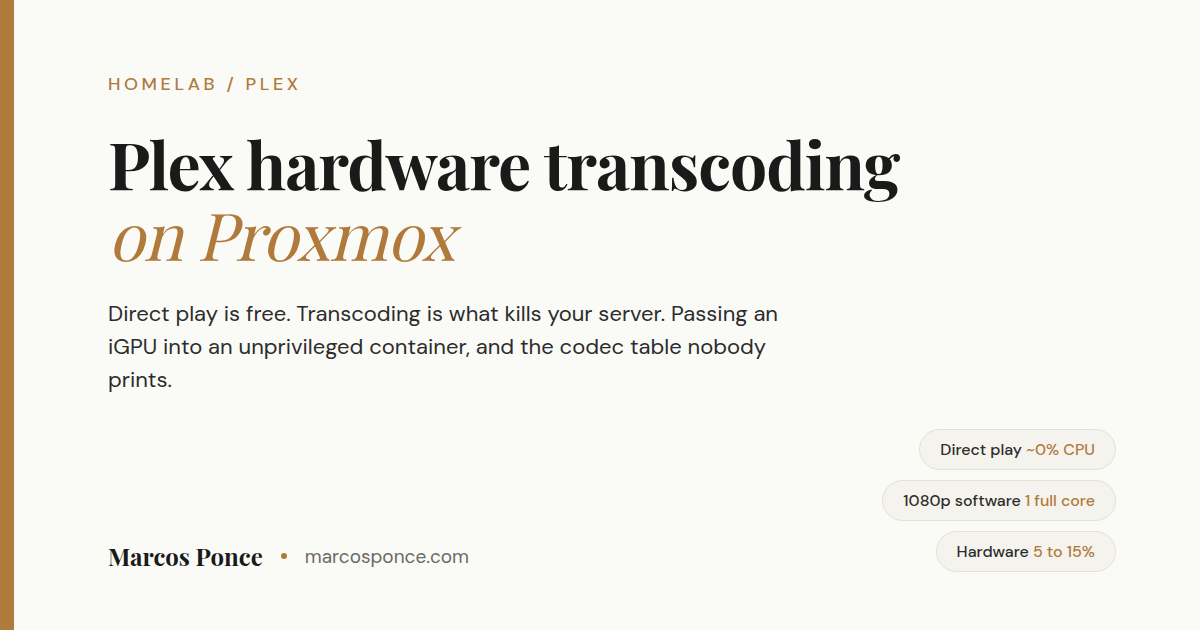
My server sat at almost 100% CPU streaming one movie to a phone in the next room. The same file, playing on the TV, barely registered.
That gap is the whole subject. Plex has two completely different modes, and which one you get is mostly decided by a setting on the client, not by your server. Until I understood that, I was shopping for a CPU upgrade I did not need.
Short version for the skimmers: direct play costs almost nothing and a decade-old machine handles several at once. Transcoding is expensive, and Plex hardware transcoding is what makes it cheap again. But hardware transcoding needs a Plex Pass subscription, and passing your integrated GPU into an LXC container has one step that everybody gets wrong. Both are covered below, along with the free fix that solves this for most people without spending anything.
KEY FACTS
Direct play uses almost no CPU. Several simultaneous 4K direct plays are fine on old hardware.
One software 1080p transcode can occupy an entire CPU core. Software 4K transcoding is not realistic on a home server.
Hardware transcoding drops a 1080p transcode from a pegged core to roughly 5 to 15% CPU.
Hardware transcoding requires Plex Pass. Without it the option is not merely off, the checkbox does not exist.
An LXC container can use your integrated GPU without IOMMU or PCIe passthrough. A virtual machine cannot.
Direct play versus transcode, in plain terms
Direct play means the server hands the file to the client as-is and the client does the decoding. Your server is basically a file server at that point. The CPU cost is close to nothing.
Transcoding means the server decodes the video and re-encodes it on the fly into something the client will accept. That is real work, in real time, and it is the only reason anyone worries about their Plex CPU.
Here is the part that took me too long to learn. The most common reason a transcode starts is not that the client cannot play the file. It is that the client app is set to a lower streaming quality. Set a phone to “720p, 4 Mbps” and it will demand a transcode of a 1080p file it was perfectly capable of playing.
The free fix, before you spend anything
Go into every Plex client you own and set remote streaming quality to Original or Maximum.
That is it. On my setup that single change took most transcodes off the table, and it costs nothing. Do this before you evaluate hardware, because it changes what problem you are actually solving.
Two habits that go with it:
- Only serve 4K to devices that can direct play it. Smart TVs, Apple TV 4K, Shield, Fire Stick 4K. Phones and web browsers are where transcodes get triggered.
- Keep 4K in a separate library from your 1080p versions. Then you choose which one you are asking for, instead of Plex choosing for you and transcoding down.
What hardware transcoding actually needs
Two things, and people usually only check one.
A Plex Pass subscription. Hardware transcoding is a paid feature. The diagnostic is unusually clear: without Plex Pass, the “Use hardware acceleration when available” checkbox is not greyed out, it is absent from the transcoder settings entirely. If you cannot find that checkbox, you either have no Plex Pass or Plex cannot see your GPU.
A CPU whose video engine can do what you are asking. This is where people get burned buying used hardware, me included. A rough line: Intel chips from around 2017 onward handle 10-bit HEVC, which is what most 4K files are. Older chips are H.264 only.
My server uses an integrated GPU from the 2013 era. Here is what that generation can and cannot do, because the table matters more than the marketing:
| Operation | Supported |
|---|---|
| H.264 decode | Yes |
| H.264 encode | Yes |
| HEVC decode | Yes, including 4K |
| HEVC encode | No |
| 4K encode of any codec | No, capped at 1080p |
Read that carefully, because it is the trap. The chip can decode a 4K HEVC file just fine. It cannot encode the output. So a 4K transcode falls back to software even with everything configured correctly and a Plex Pass paid for. If 4K transcoding is your goal, buy newer, or commit to direct play.
I chose direct play and moved on. I would still spend the extra money on a newer chip if I were buying again.
Passing the GPU into an unprivileged LXC container
This is the part with real value, because most guides cover it for bare metal or a VM and quietly skip containers.
The good news first: an LXC container shares the host kernel, so you do not need IOMMU, VT-d, or PCIe passthrough to use the integrated GPU. You bind the device nodes in. This also means two containers can share the same GPU, which a VM fundamentally cannot do. If you want one GPU serving both a media server and something else, containers are the only way.
Step 1. Find out what device nodes you actually have. On the Proxmox host:
ls -la /dev/dri/
You are looking for two things: a render node, and a card node. Mine looks like this:
crw-rw---- 1 root video   226,   1 card1
crw-rw---- 1 root render  226, 128 renderD128
Note what is not there. There is no card0. On some systems the integrated GPU enumerates as device 1, and if you copy a guide that hardcodes card0 you will spend an hour debugging a device that does not exist. Use whatever your own output says.
Step 2. Note the group owners and their numeric IDs. In that listing, card1 is owned by group video and renderD128 by group render. Get their numbers:
getent group video render
On my host those are 44 and 993. Yours can differ, and using mine instead of yours is the second most common way this fails.
Step 3. Bind the devices into the container. Modern Proxmox has native syntax for this, which is cleaner than the old mount-entry approach:
dev0: /dev/dri/renderD128,gid=993
dev1: /dev/dri/card1,gid=44
The gid= values do real work. They tell Proxmox which group should own the device once it appears inside the container, so the service user finds it already accessible. Substitute the numbers from your own getent output.
Step 4. Verify from inside, by identity rather than by hope.
id plex
You want to see the service user in both the video and render groups:
uid=999(plex) gid=990(plex) groups=990(plex),44(video),993(render)
If those groups are missing, the gid= values in your config do not match the render and video groups as the container sees them. That is the number to use, not the host’s: read it with getent group render video from inside the container. Fix the config rather than reaching for usermod inside the container.
The passthrough half of this now has its own post, with the host checks, the group IDs and a vainfo verification step: Proxmox iGPU passthrough to an unprivileged LXC.
The permissions problem that comes next
Configuring the GPU does not help if the container cannot read your media in the first place, and in an unprivileged container it usually cannot.
Unprivileged containers shift every user ID by 100000. A service running as UID 999 inside is UID 100999 to the host filesystem. So the ownership on your media has to be set host-side to the shifted number:
chown -R 100999:100990 /path/to/media
Check your own numbers with id plex first rather than trusting any guide including this one. A walkthrough I was following assumed UID 998; my install produced 999. That one digit is an afternoon.
There is a follow-on trap. Files copied in over a network share often land owned by the container’s root, which is 100000:100000 on the host, and become invisible to the service again. My unglamorous fix is a scheduled job on the host:
*/5 * * * * chown -R 100999:100990 /path/to/media/ > /dev/null 2>&1
Every five minutes, which is frequent enough that the library scanner never notices. Not elegant. It has worked without incident for months. The redirect is there to stop cron mailing you every five minutes forever.
I wrote up the full mapping model, including the file server side of it, in unprivileged LXC permissions.
Transcoder settings worth changing
Once you are in Settings, Transcoder:
- Maximum simultaneous video transcode: set a number. The default is unlimited, which is a promise your CPU cannot keep. On a quad-core, two is honest. Three or more chokes the machine and starves everything else on the box.
- Transcoder quality: Very fast. On older hardware this is the right trade.
- Throttle buffer: 60. Lets the transcoder work ahead and then idle, rather than grinding continuously.
The simultaneous limit matters more than it looks if your server does other jobs. An unbounded transcode queue will happily take every core you have and leave nothing for anything else running on the host.
Plex home server FAQ
Do I need a GPU for Plex? Almost certainly not. If your clients direct play, a decade-old CPU serves several streams at once. You need transcoding capacity only when clients cannot play your files, or when you are streaming to people outside your home on limited bandwidth.
Is Plex Pass worth it just for hardware transcoding? If you regularly transcode, yes, it is the difference between one core pegged and roughly 5 to 15% CPU. If you have fixed your client quality settings and no longer transcode, you are buying a feature you do not use.
Plex or Jellyfin? Jellyfin is free and includes hardware transcoding with no subscription, which is a real argument. Plex has better client apps on more devices and a smoother remote access story. If subscriptions annoy you on principle, Jellyfin transcodes for free on the same hardware.
Why can I hardware decode 4K but not transcode it? Decode and encode are separate engines with separate capability lists. Older integrated GPUs commonly decode HEVC and 4K while being capped at 1080p H.264 for encoding. The transcode needs both halves, so the weaker half sets the limit.
Should Plex run in a container or a VM? A container. It can share the integrated GPU with no IOMMU and no passthrough, it starts in about a second, and it costs a fraction of the RAM. I go through the whole decision in LXC versus VM.
Why is it transcoding when the client can obviously play the file? Check the client’s streaming quality setting first, every time. It is the answer far more often than anything server side.
What I would do differently
Fix your client settings before you touch anything else. Then check what your CPU’s video engine can actually encode, not just decode, before you pay for a subscription that depends on it. And check your own device nodes and group IDs rather than copying anyone’s numbers, mine included.
The rest of this box is documented in how to set up a Proxmox home server, and the other things I got wrong are collected on the projects page.
Stay in the loop.
No spam, just signal.
I send one email when I publish something worth reading. Stock deep dives, new projects, tech breakdowns, and what I'm learning from building in public.
Free forever. Unsubscribe anytime. I respect your inbox.