A Proxmox Backup Strategy, Written by Someone Who Did Not Have One
I ran five services for months on a single drive with no redundancy and no backups. I knew. I had been carefully not thinking about it.
What eventually made me deal with it was not a disk failure. It was losing a file to a piece of software I had written specifically to protect files. I built an automatic lock for an encrypted volume: idle for ten minutes, lock it. Sensible. What I had not accounted for was a long file transfer, during which the volume is busy but nobody is typing. It locked mid-copy and took a file with it.
The file did not matter. What mattered was realising that the thing I had been treating as a safety net was a snapshot of one virtual machine, taken once, months earlier, sitting on the same disk as everything it was supposed to protect.
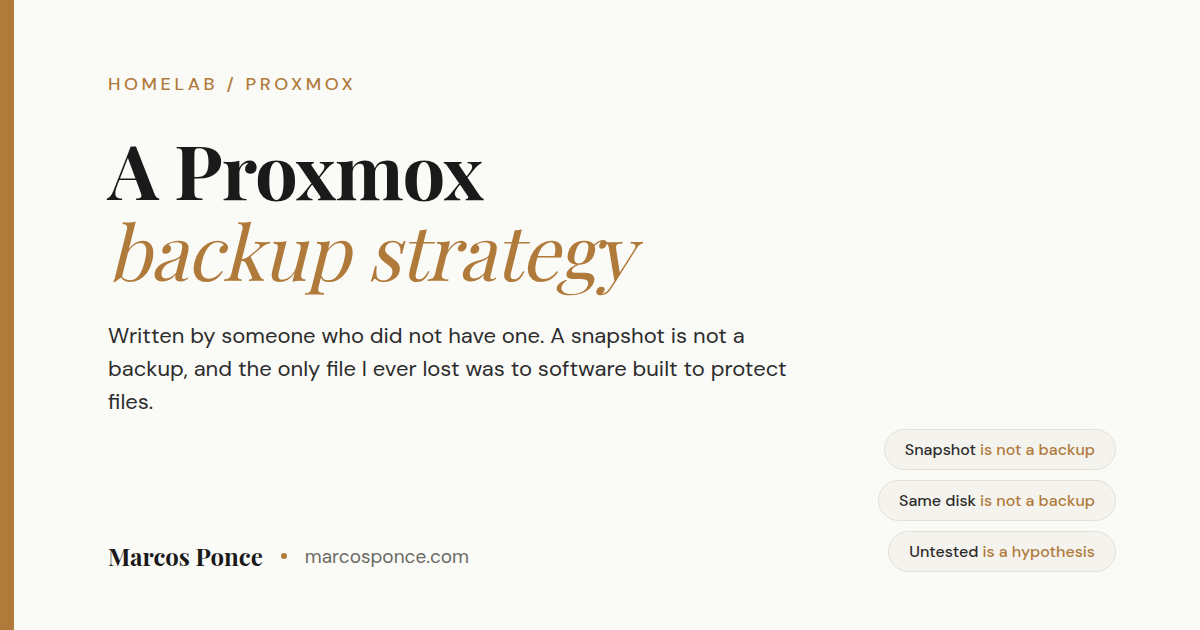
Short version for the skimmers: a snapshot is not a backup, and if your backup lives on the same disk as your data you do not have one. A working Proxmox backup strategy is vzdump on a schedule to separate storage, with a retention count, and a restore you have actually tested. It takes an evening and it is the least interesting evening you will spend on your server.
KEY FACTS
A snapshot on the same disk protects you from your own mistakes. It protects you from nothing else.
If a backup lives on the drive it is backing up, that drive failing takes both.
A single-drive ZFS pool gives you checksums and no redundancy. ZFS will tell you the data is corrupt. It cannot fix it.
A backup you have never restored is a hypothesis, not a backup.
`vzdump` in snapshot mode backs up a running container or VM without stopping it.
Snapshot versus backup, since everyone conflates them
I did too, so this is not a lecture.
A snapshot records the state of a disk at a moment in time, stored alongside the original data on the same storage. Taking one is nearly instant. Reverting is nearly instant. It is the perfect tool for “I am about to change something and I want an undo button.”
A backup is a complete independent copy on different storage. Slower to make, slower to restore, and it survives the original storage being destroyed.
They protect against different things and neither substitutes for the other:
| Failure | Snapshot | Backup elsewhere |
|---|---|---|
| You broke a config | Yes | Yes |
| A bad update | Yes | Yes |
| You deleted the wrong files | Yes | Yes |
| Ransomware or corruption | Sometimes | Yes |
| The drive dies | No | Yes |
| The machine is stolen or the house floods | No | Only if a copy is off-site |
My “backup strategy” lived entirely in the first three rows and I had been telling myself it covered all six.
The single disk problem
Worth being blunt about, because ZFS gets talked about in a way that misleads people, and it misled me.
ZFS checksums everything and will detect corruption reliably. On a pool with redundancy it repairs the bad copy automatically. On a single-drive pool there is nothing to repair from. It tells you the file is corrupt, and that is the whole service it can offer.
So a single-drive pool gives you excellent early warning of data loss you cannot prevent. That is genuinely useful and it is not redundancy. Two drives in a mirror is the smallest configuration where ZFS can actually do its job, and it is not expensive.
The same thinking applies to encryption. I have an encrypted volume for a small set of sensitive files. Encryption protects against someone reading the drive. It does nothing about the drive dying. Encrypted and backed up are unrelated properties and both are worth having.
What to actually set up
Three tiers, in the order I would do them.
Tier one: scheduled vzdump, tonight
This is 90% of the value and it takes fifteen minutes.
vzdump 106 --storage <backup-storage> --mode snapshot --compress zstd
What the flags buy you:
--mode snapshotbacks up a running guest without stopping it, by taking a point-in-time snapshot and reading from that. The alternative modes either pause the guest or copy a moving target.--compress zstdis the right default now. Good ratio, fast enough that it will not be your bottleneck.--storageis the important one, and see the next section about where it should point.
Do it properly in the UI rather than by hand: Datacenter, Backup, Add. Select every guest, not the one you were thinking about. Pick a time when nothing else is running. Set a retention count rather than keeping everything forever, because unbounded backups fill the disk and then you have no backups at all.
Then run it once manually and go look at the file. Confirm it exists, confirm the size is plausible, confirm the destination has room for as many as you told it to keep.
When I finally did this, four of my five services had never been backed up once.
Tier two: get it off the disk
A backup on the same physical drive as the thing it protects is a rehearsal.
In rough order of how much better each is:
- A second drive in the same machine. Cheap, easy, and covers the most likely failure by far, which is one drive dying.
- Another machine on your network. An old desktop, a NAS, anything with a disk and an SMB or NFS share. Now a whole-machine failure does not take your backups. Writing to that share from an unprivileged container has its own trap; I wrote up the UID mapping fix separately.
- Off-site. Cloud object storage, or a drive at a relative’s house that you swap occasionally. This is what covers fire, flood, and theft.
The usual framing is three copies, two kinds of media, one off-site. That is a good target for a home server, though I would rather someone finish tier one this week than plan a perfect three-two-one they never build.
Tier three: the boring one that actually matters
Restore something. Pick your least important container, restore it to a new ID, start it, look at it.
You will find out whether your backups are real in an hour of your own choosing, or during an outage. Those are the only two options and one of them is much better.
This is the same lesson as the encrypted volume that ate my file, generalised: never trust a safety mechanism you have not watched work. Test it against something disposable, watch it behave correctly, and watch it behave correctly in the negative case too, then rely on it. Every hour that feels wasted doing this is an hour I now consider well spent.
What not to back up
Backups get abandoned when they are slow and enormous, so be deliberate.
- Media libraries you could re-acquire are usually not worth backing up. Back up the metadata and the configuration, which is the part representing your actual effort.
- Download and scratch directories are noise.
- Caches and transcode temp folders should be excluded outright. Plex hardware transcoding recreates them on demand.
The rule I use: back up whatever you would have to rebuild by hand. That is configuration, databases, documents, and anything you made. It is usually much smaller than the disk it lives on. A game world counts, and it is the one people forget: the container running a Minecraft server with no port forwarding is disposable, but the world inside it is not.
Things I got wrong on the way
I thought a snapshot counted. It was one snapshot, of one VM, from months earlier, on the same disk. It counted as an undo button and nothing more.
I put the storage decision off because I wanted to plan a proper mirrored pool first. The mirror was the right long-term answer and it was also an excuse. A same-day backup to any second location would have covered me the whole time I was planning.
I tested a safety mechanism against real data. Covered above. It is the only data I have actually lost in this entire project, and I lost it to protective software I wrote myself. There is a lesson in that about complexity, and a sharper one about test conditions.
I did not set containers to start on boot, which is not a backup issue but rhymes with one. The power blinked, a service did not come back, and I did not notice for two days. onboot: 1 is not the default.
FAQ
Is a ZFS snapshot a backup? No. It lives on the same pool as the data. It is excellent for undoing your own mistakes and useless when the drive fails.
How often should I back up a home server? Nightly for anything you change, weekly for anything static. The honest question is how much work you are willing to redo. If the answer is one day, back up daily.
Where should Proxmox backups go? Anywhere that is not the drive holding the guests. A second internal disk is the cheapest meaningful improvement. Another machine is better. Something off-site covers the disasters the others do not.
What is the difference between vzdump snapshot, suspend, and stop mode? Snapshot backs up a running guest from a point-in-time copy, which is what you want almost always. Suspend pauses the guest during the backup. Stop shuts it down, which gives the most consistent result and the most downtime.
Do I need Proxmox Backup Server? No, vzdump to a shared folder is fine for a home lab. PBS adds deduplication, incremental backups and verification, which start to matter once you have a lot of guests or limited backup space.
How much space will I need? Compressed backups typically land well under the allocated disk size, since most guest disks are mostly empty. Start by keeping a small number of copies, watch what it actually consumes for a week, then set retention from real numbers rather than a guess.
My backup job succeeded. Am I done? Not until you have restored one. A job that exits without error has proven that it exited without error.
The version to act on
Schedule vzdump for every guest tonight, send it somewhere that is not the same disk, set a retention count, and restore one container this weekend to prove it works. Everything after that is refinement.
I wrote up the rest of this build in how to set up a Proxmox home server, including the other mistakes that cost me the most time. If you are still deciding how to run your services, LXC versus VM covers that choice.
Stay in the loop.
No spam, just signal.
I send one email when I publish something worth reading. Stock deep dives, new projects, tech breakdowns, and what I'm learning from building in public.
Free forever. Unsubscribe anytime. I respect your inbox.